
Develop your sight-reading skills with a progressive and intelligent approach — from first steps to advanced mastery.




The Essential Tool for Music Reading
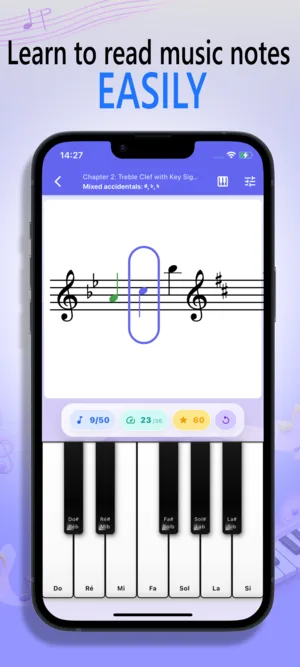
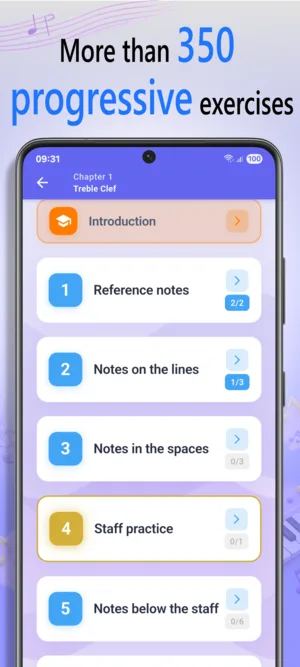
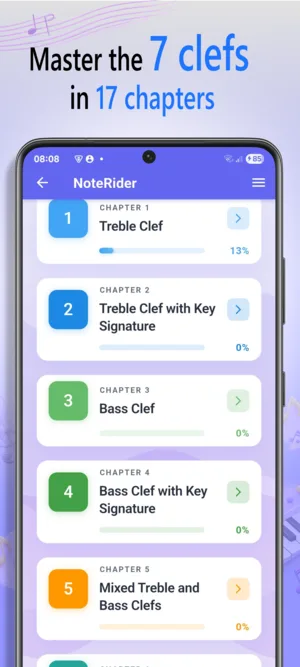
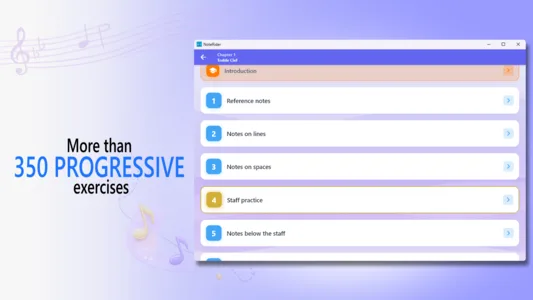
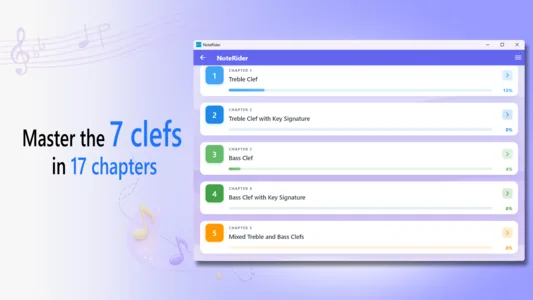
NoteRider is built around a clear practice loop: read, answer, review, and repeat. It trains two core skills, accuracy and fluency, with 350+ progressive exercises, multiple clefs, four input methods, and detailed statistics that show exactly what still needs work.
-
Progressive Reading Path
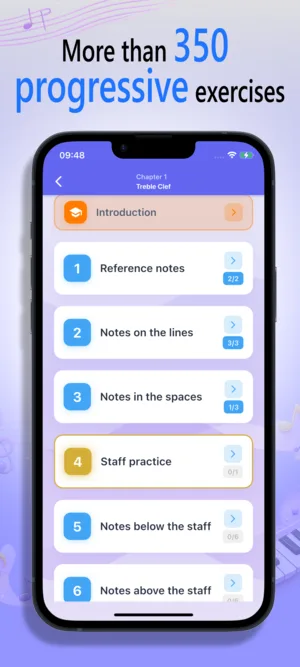
Start with accessible exercises and move toward advanced note reading while building precision and confidence step by step.
- 350+ progressive exercises
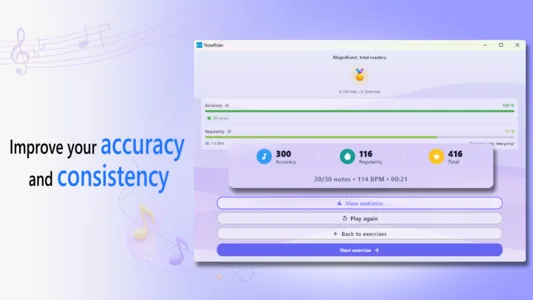
- Accuracy and fluency goals
-
Clefs & Reading Range
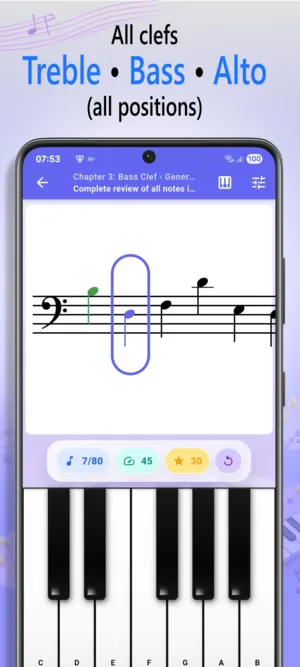
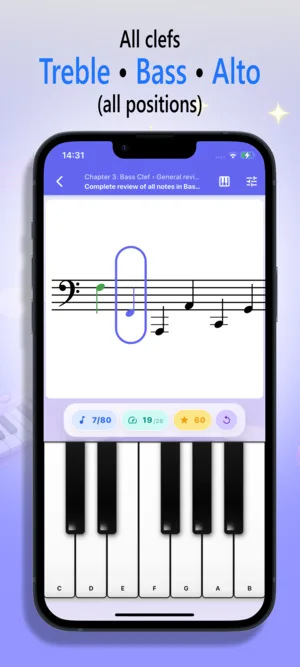
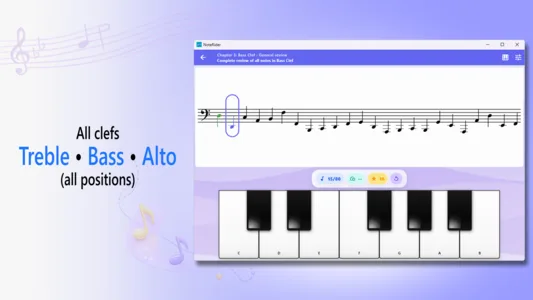
Practice treble, bass, C clefs, and F3 clef, then mix clefs to strengthen adaptability across real reading situations.
- Treble, bass, C1-C4, and F3
- Clef mixing mode
-
Flexible Input Methods
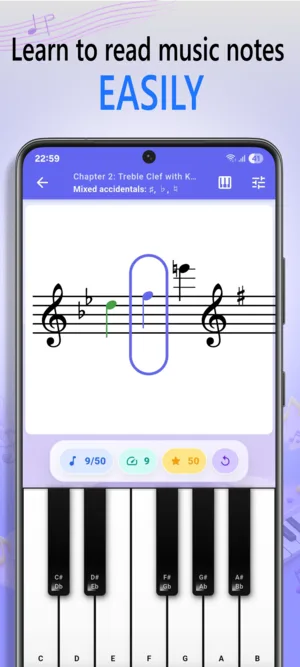
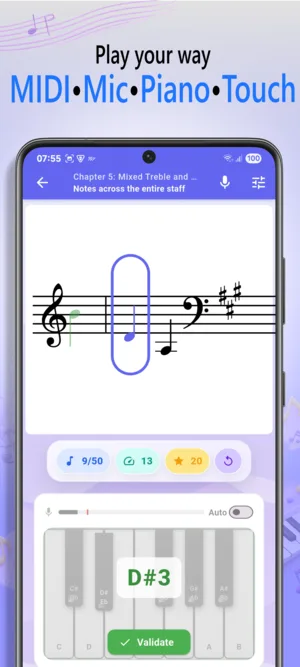
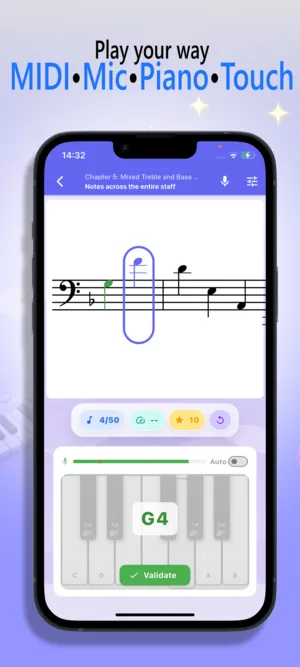
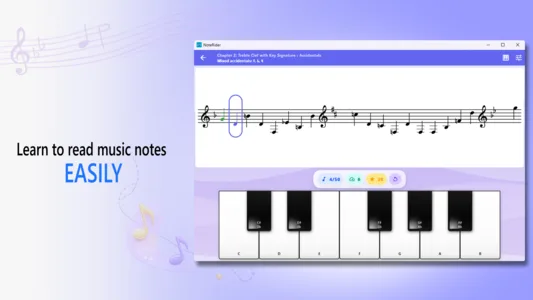
Answer with a virtual keyboard, the microphone, a MIDI device, or a note grid, depending on how you want to practice.
- Virtual keyboard and note grid
- Microphone and MIDI input
-
Statistics & Progress
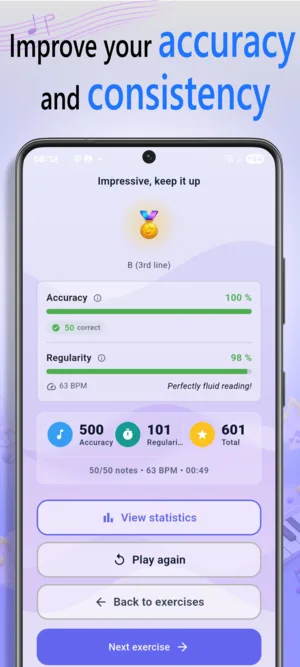
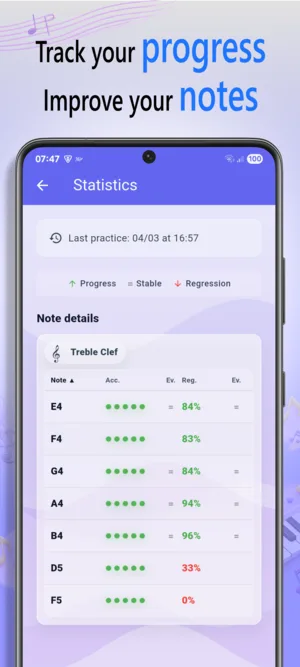
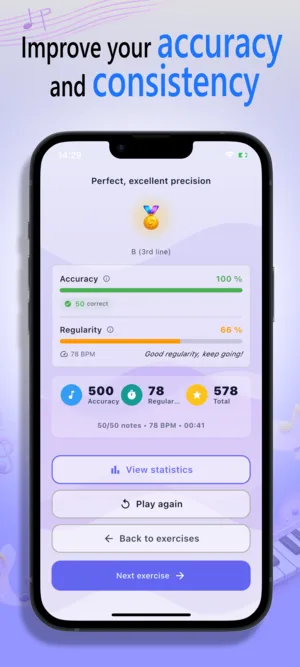
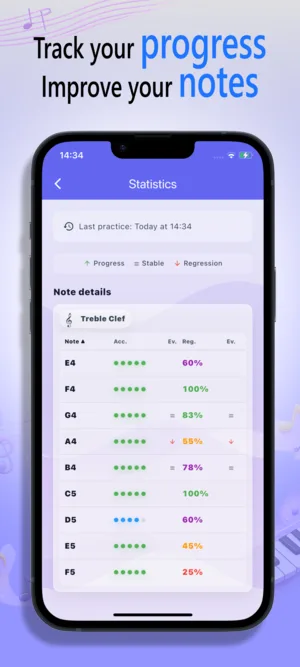
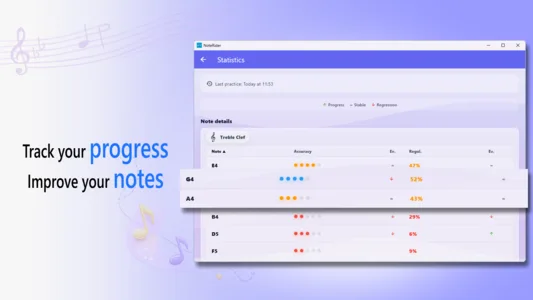
Review detailed results after practice, identify recurring mistakes, and follow progress by exercise and clef.
- Error and hesitation tracking
- Per-exercise and global statistics
Key Features
Training Path
- Work through more than 350 progressive exercises
- Train both accuracy and fluency for stronger sight reading
- Move from beginner drills to advanced reading challenges
Clefs & Reading
- Practice treble and bass clefs
- Study C1, C2, C3, C4, and F3 clefs
- Use clef mixing mode to improve adaptability
Input & Practice
- Choose virtual keyboard, microphone, MIDI, or note grid input
- Practice with an instrument, a MIDI controller, or on-screen controls
- Use portrait and landscape layouts on supported platforms
Progress Tracking
- Review detailed statistics per exercise
- Follow global progress across all clefs
- Track errors and hesitations to spot weak areas
Screenshots


Download NoteRider
Get NoteRider on your favorite platform and start improving your sight-reading today!



Documentation
For detailed instructions on every feature, read the complete NoteRider user guide.